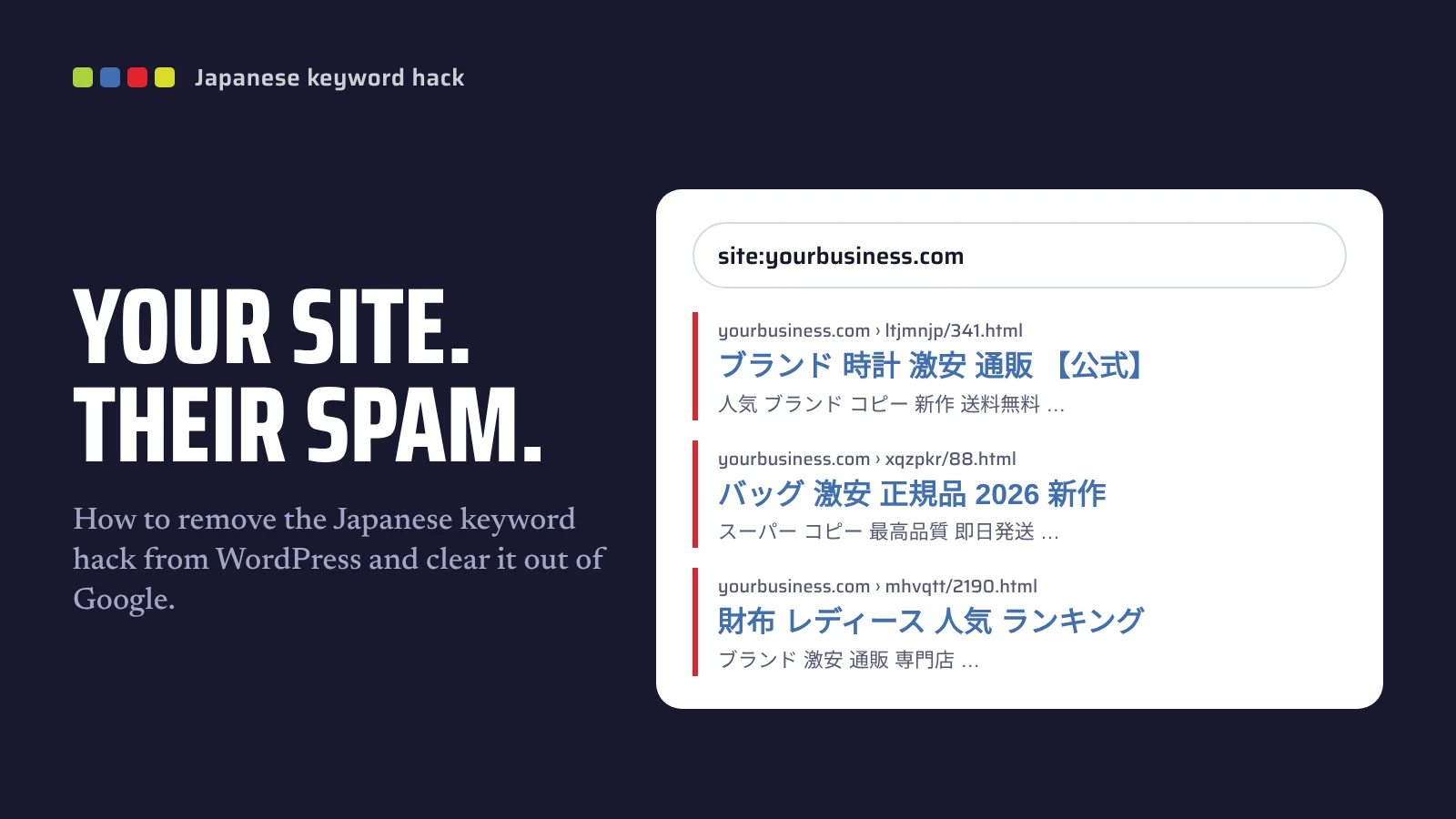
You search for your own business and Google shows pages you never wrote: long titles in Japanese, links to brand-name watches and handbags, all on your domain. This is the Japanese keyword hack, one of the most common forms of SEO spam on WordPress sites. This guide shows how to confirm it, remove it and get the spam out of Google.
If you would rather hand it over, our WordPress malware removal service cleans Japanese spam infections, finds how the attacker got in and requests the Google reviews for you.
What the Japanese keyword hack does
According to Google’s own guide to fixing the Japanese keyword hack, the hack typically creates new pages of auto-generated Japanese text on your site in randomly named directories, such as yourdomain.com/ltjmnjp/341.html. Those pages are monetised with affiliate links to stores selling counterfeit brand goods, and they are built to rank in Google using your domain’s reputation.
The attacker often goes one step further and adds themselves as an owner of your site in Google Search Console, so they can submit their own sitemaps and change settings. If you get an email saying someone you do not know has verified your site in Search Console, treat the site as hacked.
How to confirm the hack
- Search Google for
site:yourdomain.com. Japanese titles, or thousands more results than you have pages, are the clearest sign. - Open Search Console’s Security Issues report. Google may already have flagged hacked content.
- Check Search Console users and sitemaps. Look for owners you did not add and sitemaps with random names.
- Inspect a spam URL with URL Inspection. Google warns that hacked pages may show you a 404 or a normal page while showing spam to its crawler, a trick known as cloaking. URL Inspection shows what Googlebot actually receives.
How to remove it from WordPress
Take a full backup of files and database first, even though they are infected. You may need them to work out how the attacker got in.
- Remove rogue Search Console owners. Delete any users you do not recognise, and remove their verification files or meta tags so they cannot verify again.
- Replace
.htaccess. This hack commonly adds rewrite rules that serve the spam pages or generate fake verification files. Unless you have custom rules, replace.htaccesswith the WordPress default and add back only what you need. - Delete the spam directories and files. Look for random folder names in the site root and PHP files in
wp-content/uploads, then sort files by modification date to find others changed around the time the spam appeared. - Reinstall core, plugins and themes from clean sources. This removes injected code without having to read every file.
- Clean the database. Some variants store the spam content or a copy of the generator in
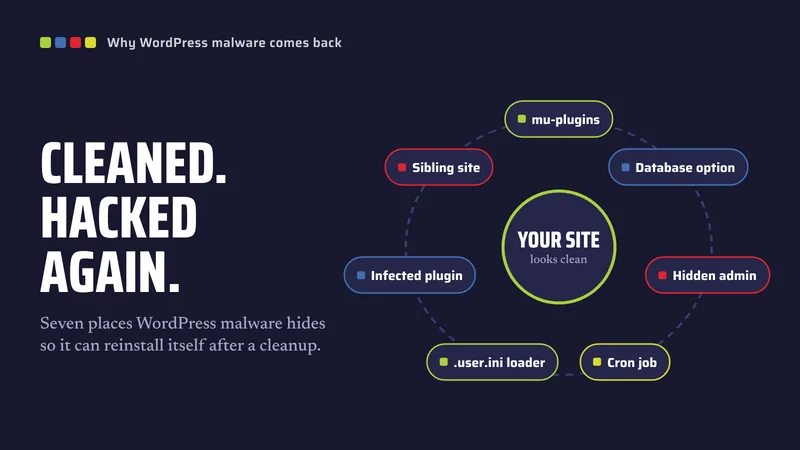
wp_optionsor as posts. Remove them and any unfamiliar admin users. - Check for the parts that bring it back. Must-use plugins, cron jobs, hidden admins and other sites on the same hosting account are the usual culprits. Our guide on why WordPress malware keeps coming back covers each one.
- Change passwords and keys last, once nothing is left that could capture them.
Get the spam out of Google
Cleaning the site does not remove the pages from search results by itself.
- Return
410 Gonefor the spam URLs. A 410 tells Google the page has been removed on purpose, which usually clears it faster than a 404. If the spam lives under a few random folders, one rewrite rule can cover all of them. - Delete the attacker’s sitemaps in Search Console and resubmit your own.
- Use the Removals tool for the most visible spam URLs while Google recrawls the rest.
- Request a review under Security Issues if Google has flagged the site. Google’s help for hacked sites explains the review process.
Expect most spam URLs to drop out over the following weeks. Keep an eye on the site: search and Search Console’s Pages report until they do.
Close the way in
The Japanese keyword hack is a symptom. The cause is usually an outdated or abandoned plugin, a stolen admin or hosting password, or a pirated theme. Update everything, remove what you do not use, turn on two-factor authentication and add file-change monitoring so the next change gets noticed in hours, not months.
If the spam keeps coming back, several sites are affected, or your rankings are already slipping, send us the site for a free malware check. We fix it from $149 per site and re-clean free if the same infection returns within 30 days.
Sources and further reading
- Google, Fix the Japanese keyword hack
- Google Search Central, Help for hacked sites
- Morkiz, Why WordPress malware keeps coming back after cleanup
Frequently asked questions
What is the Japanese keyword hack?
It is an SEO spam infection that creates thousands of pages of auto-generated Japanese text on your domain, usually linking to stores selling counterfeit goods. The attacker uses your site's reputation in Google to rank those pages.
Why can't I see the Japanese pages when I visit my site?
The malware uses cloaking: it shows spam to search engine crawlers and a normal page, a redirect or a fake 404 to everyone else. Use the URL Inspection tool in Search Console to see what Google sees.
How long does it take for the Japanese pages to leave Google?
Returning 410 Gone for the spam URLs and removing the attacker's sitemaps usually clears most of them within a few weeks. Search Console's removals tool can hide the worst ones faster in the meantime.
Will the Japanese keyword hack hurt my rankings?
It can. Google may show a 'This site may be hacked' warning, and thousands of spam pages dilute your site's quality signals. Rankings usually recover after a full cleanup and de-indexing.
Can a security plugin remove the Japanese keyword hack?
It can find many of the files, but this hack usually also changes .htaccess, adds sitemaps and Search Console owners, and leaves backdoors. Those need to be removed by hand or the pages come back.