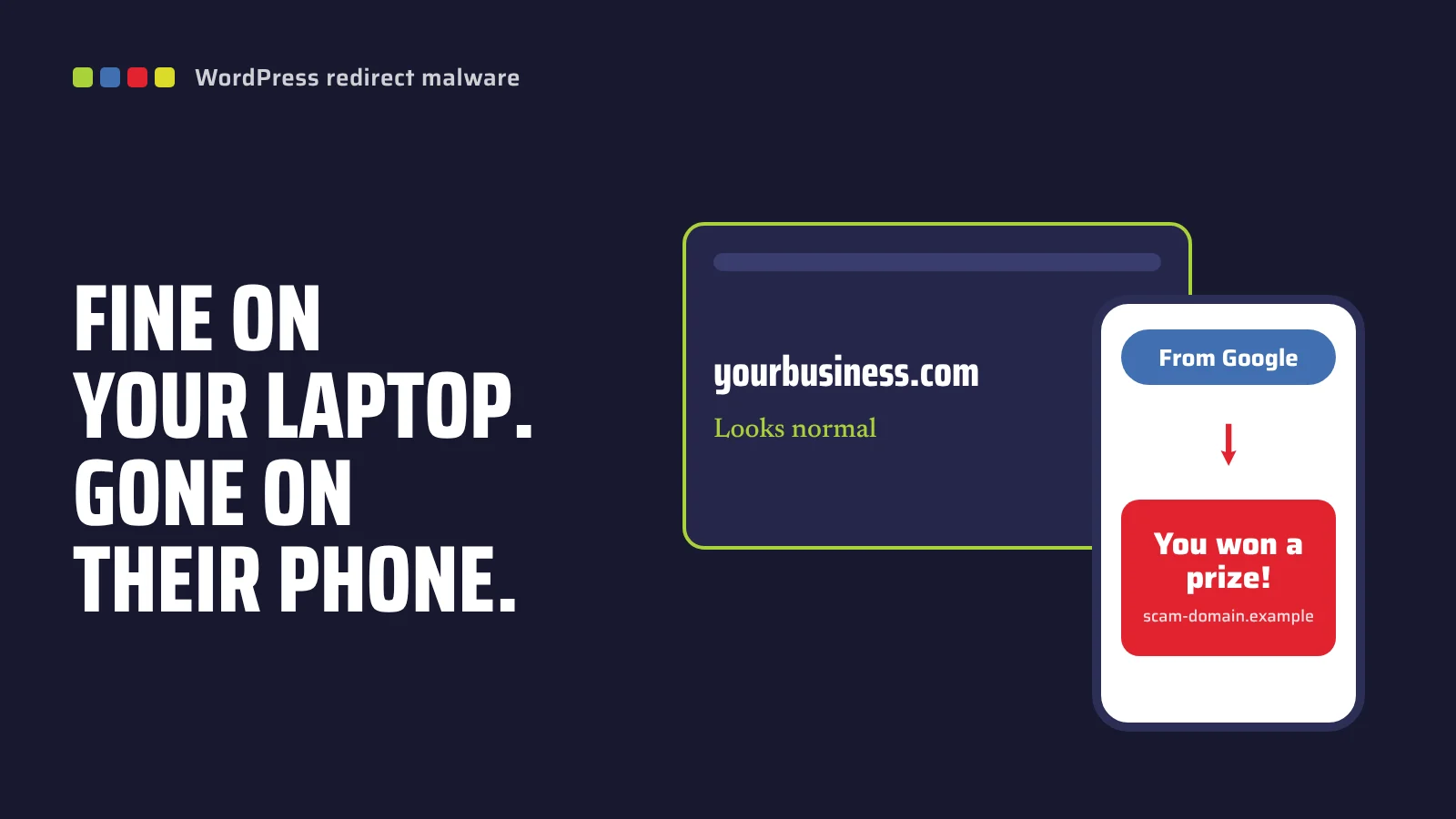
A customer tells you your website sent them to a gambling site, or a fake “update your browser” page. You open the site on your laptop and everything looks fine. That is not a misunderstanding: it is how most WordPress redirect malware is designed to work.
This guide explains why the redirect hides from you, where the code usually lives and the steps to remove it so it does not come back. If you need it gone today, our WordPress malware removal team can start within hours.
Why you can’t see the redirect
Redirect malware is conditional. Before sending a visitor away, it checks who they are, and lets site owners through untouched. Common conditions are:
- Logged-in status. Visitors with WordPress admin cookies are never redirected.
- Device. Many variants only target phones, because owners usually manage their site from a desktop.
- Where the visitor came from. Redirecting only people who arrive from Google or Bing keeps the infection hidden from anyone typing the address directly. Sucuri noted this in its research on the Sign1 campaign, which infected more than 39,000 sites.
- First visit only. A cookie makes sure each visitor is redirected once, so the problem is hard to repeat.
To see what your visitors see, use a private window on a phone that has never logged in to the site, and reach the site by searching for it on Google.
Where redirect malware hides
| Location | What to look for |
|---|---|
.htaccess |
RewriteCond rules that check the user agent or referrer, then send visitors to an outside domain |
| Must-use plugins | Unfamiliar files in wp-content/mu-plugins, such as the fake redirect.php Sucuri documented |
| Theme files | Obfuscated code in functions.php or header.php |
| Snippet plugins | Code added through a code snippets or header-and-footer plugin, stored in the database |
| Database content | <script> tags injected into posts, widgets or options |
| Fake plugins | Plugins that hide themselves from the Plugins screen; compare the folders on the server with the list in wp-admin |
| Tag managers and CDNs | Rogue tags in a tag manager container, or rules added in your CDN or DNS settings |
How to remove it
- Back up and contain. Take a full copy of files and database, then put the site behind maintenance mode so visitors stop being redirected while you work.
- Reset
.htaccessto the WordPress default, keeping only rules you can explain. - Clear out loaders. Remove unknown files in
mu-plugins, unexpected drop-ins such asadvanced-cache.php, and anyauto_prepend_filesetting in.user.ini. - Reinstall core, plugins and themes from official sources instead of editing infected files.
- Search the database for
<scriptand for unfamiliar domains inwp_postsandwp_options, and check every code snippet the site runs. - Remove unknown admin users, then change all passwords and generate new security keys.
- Purge every cache: your caching plugin, the server cache and your CDN.
- Test like a visitor again: phone, private window, arriving from Google.
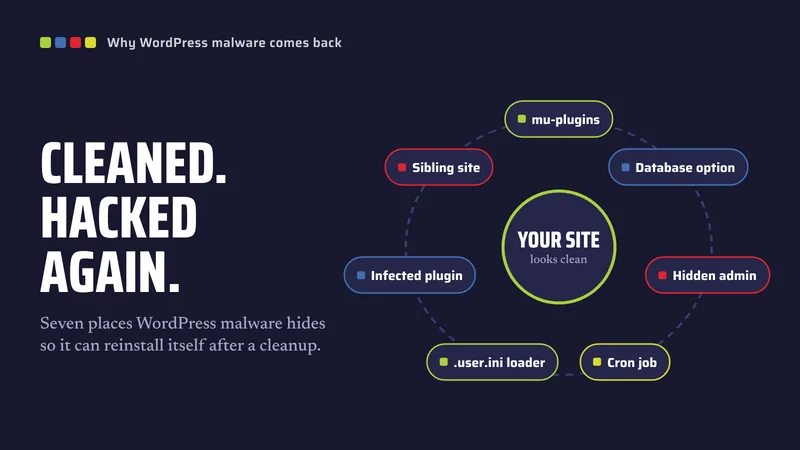
If the redirect returns within days, something that reinstalls it is still there. Our guide on why WordPress malware keeps coming back lists the seven usual causes.
After the cleanup
Check Google Search Console for security warnings and request a review once the site is clean. Then close the entry point: update or remove outdated plugins, turn on two-factor authentication and add monitoring that tells you when files change.
Sites that take payments need extra care, because redirect code often travels with card skimmers on checkout pages. If that is your situation, or the redirect keeps coming back, send us the site for a free check. Cleanup starts from $149 per site, with a free re-clean if the same infection returns within 30 days.
Sources and further reading
- SecurityWeek, 39,000 websites infected in Sign1 malware campaign
- Sucuri, Hidden malware strikes again: mu-plugins under attack
- Google Search Central, Help for hacked sites
Frequently asked questions
Why does my WordPress site only redirect on mobile?
Redirect malware checks the visitor's device, where they came from and whether they are logged in. Many variants only fire for mobile visitors arriving from search engines, so owners checking from a desktop never see it.
Why does a malware scanner say my site is clean?
Remote scanners only see what a public visitor sees, and the malware may hide from them. Redirect code in the database, a must-use plugin or a snippets plugin is also missed by many file scanners.
Where is WordPress redirect malware usually hidden?
The usual places are .htaccess rewrite rules, must-use plugins, a theme's functions.php or header, code snippet plugins, injected scripts in the database, and fake plugins that hide from the plugin list.
Will clearing my cache fix the redirect?
No. A cache can keep serving the redirect after a cleanup, so purge it at the end, but the malware itself has to be removed from files and the database first.
Can the redirect hurt my Google rankings?
Yes. Google may flag the site as deceptive or hacked, show a warning to searchers and drop rankings until the site is clean and a review is approved.