You deleted the suspicious files. Your host ran its scanner and gave the all-clear. A few days later the casino spam is back in Google, the redirect is back on mobile, and there is a new administrator you never created.
This is the most common story we hear from owners of hacked WordPress sites, and it has a simple explanation: the visible malware was removed, but the parts that reinstall it were not. This guide explains where those parts hide, the order in which to remove them, and when it makes sense to hand the job to a specialist such as our WordPress malware removal team.
Reinfection is the norm, not bad luck
Attackers expect to be cleaned up. So they leave more than one way back in. In Sucuri’s 2023 Hacked Website Report, 49.21% of the compromised sites its team cleaned had at least one backdoor, and 55.2% of the sites with database malware had at least one malicious WordPress administrator. The same report found that 39.1% of CMS installs were not on the latest security release when they were infected.
The newest campaigns go further. In September 2026 Sucuri documented a backdoor it called SC, which keeps identical copies in at least eight places across files, the database and server memory, and rebuilds whichever copy you delete within seconds. It takes its instructions from the Ethereum blockchain, so there is no single server to block. The Hacker News summarised Sucuri’s conclusion well: a modern WordPress infection can be a system rather than a file.
If your cleanup was “find the bad file, delete it”, reinfection was always likely.
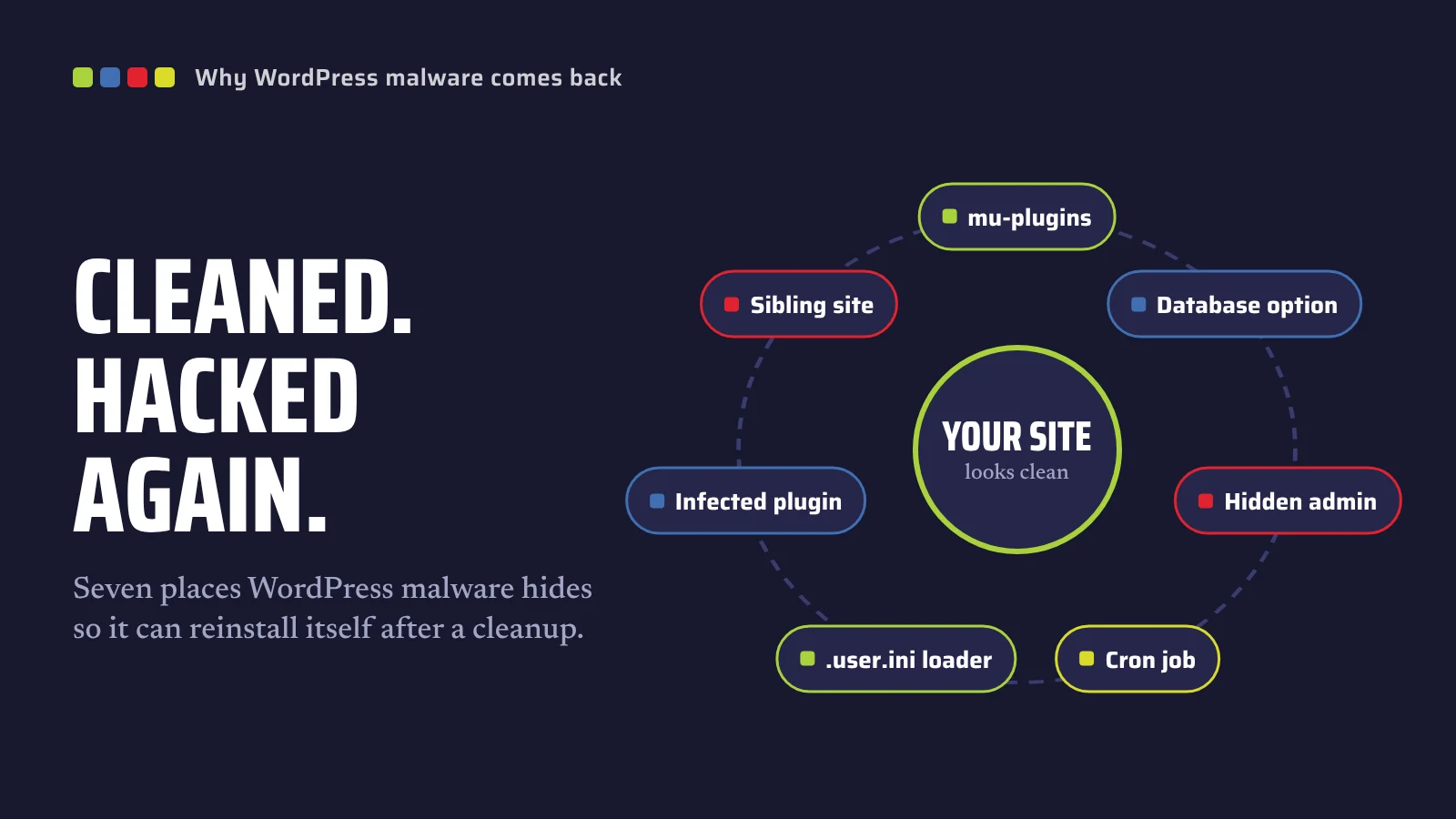
The seven places WordPress malware hides
These are the places that bring an infection back. We check every one of them on every cleanup.
1. Must-use plugins
Files in wp-content/mu-plugins/ run on every page load and cannot be switched off from the dashboard. Most owners never look there, and they do not appear in the normal Plugins screen. Security vendor Monarx has documented a steady stream of fake mu-plugins posing as WordPress core drivers, optimisation tools and even security plugins.
2. A copy in the database
Many backdoors store an encoded copy of themselves in the wp_options table. Delete the files and the next page load writes them back from the database. A database cleanup has to look for unfamiliar options, injected <script> tags in posts and widgets, and spam posts created in bulk.
3. Hidden administrator accounts
Attackers create admin users with names that sound like service accounts, then hide them from the Users screen with a few lines of code. Some malware recreates the account automatically if you delete it. Always check the wp_users and wp_usermeta tables directly, not just the dashboard.
4. Scheduled tasks
A WordPress cron event or a server cron job can download a fresh copy of the malware every hour. These survive file cleanups completely, because the instruction to reinfect lives in the database or in the hosting control panel.
5. .user.ini and .htaccess loaders
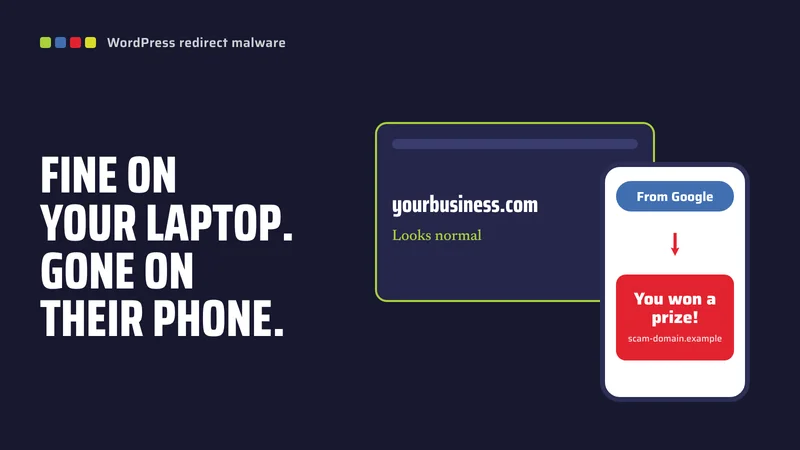
A single line in .user.ini (auto_prepend_file) can make PHP run a malicious file before every request, even before WordPress loads. .htaccess rules can do the same, or redirect visitors from search engines only (more in our WordPress redirect malware fix). Because PHP caches these settings, changes can take several minutes to apply unless PHP is restarted.
6. Infected plugins, themes and snippets
Malware often injects code into legitimate files, such as a theme’s functions.php, a page builder or a code snippets plugin. Each copy can be slightly different, so a scanner that knows one variant misses the others. The reliable fix is to replace every plugin and theme with a clean copy from its official source, rather than editing the infected files.
7. Other sites on the same hosting account
On shared hosting, every site in one account usually runs as the same user. Malware that reaches one install can write to all of them. Monarx’s recovery guide for the self-healing infection is blunt about it: if one site in the account was infected, treat every site as compromised until proven otherwise. An old staging copy or a forgotten side project is often the source.
The cleanup order that stops reinfection
Order matters. Delete a visible file while a loader is still running and it comes straight back. Change your password while the backdoor is still recording logins and you hand the attacker the new one.
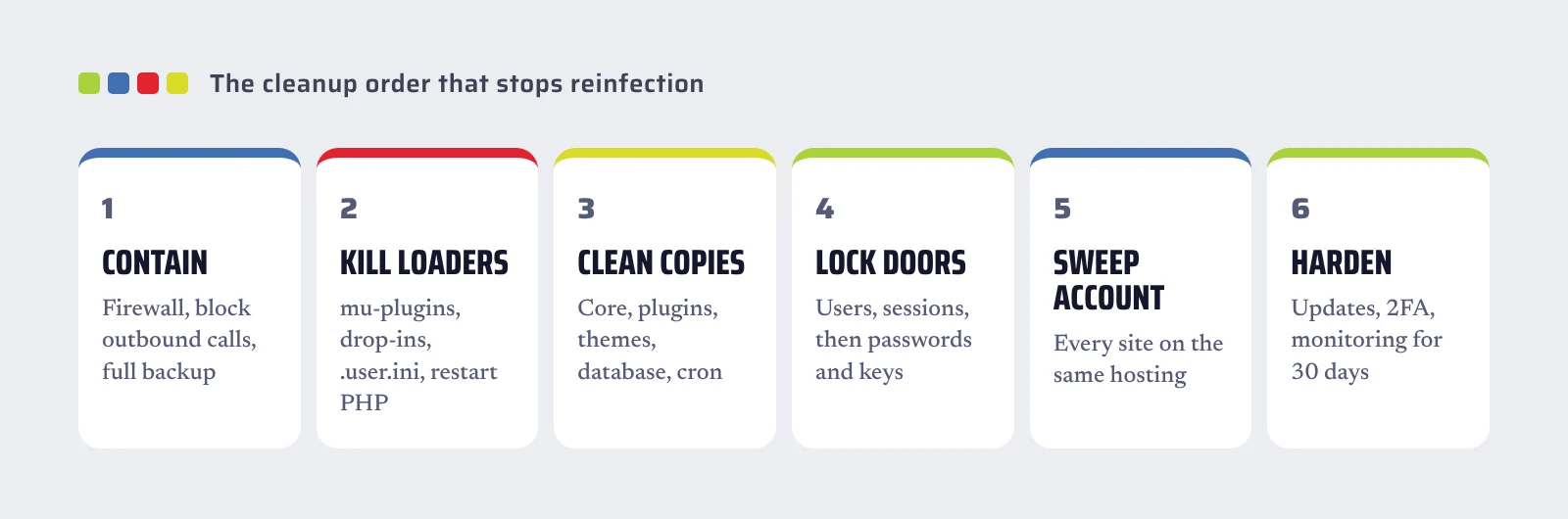
- Contain. Put the site behind maintenance mode or a firewall rule, and take a full backup of files and database as evidence, even though it is infected.
- Remove the loaders. Clear
mu-plugins, unexpected drop-ins such asadvanced-cache.phporobject-cache.php, and anyauto_prepend_filelines. Restart PHP so cached settings are dropped. - Clean every copy. Replace core, plugins and themes from official sources. Clean the database: options, posts, widgets and scheduled events. Search the uploads folder for PHP files, which should not be there.
- Lock the doors. Remove unknown users and FTP or hosting accounts, log everyone out, then change every password and generate new WordPress security keys.
- Sweep the whole account. Repeat the checks on every WordPress install under the same hosting login, including staging copies.
- Harden and watch. Update everything, add two-factor authentication and a firewall, turn on file-change monitoring, and watch for at least two weeks.
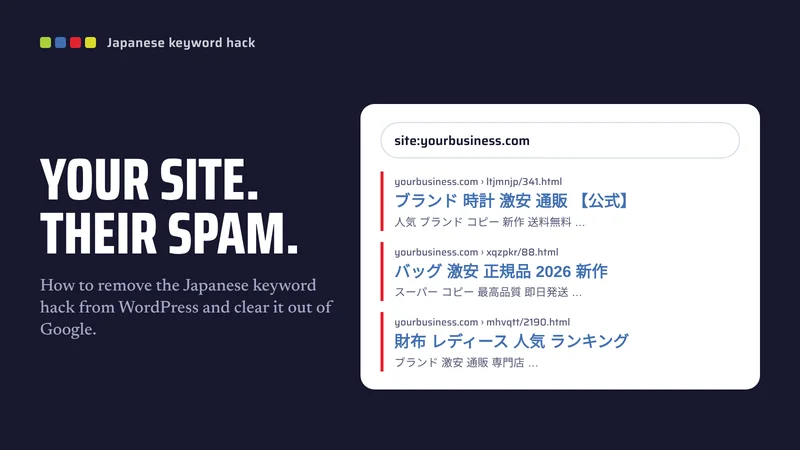
If the infection injected spam pages (see our guide to removing the Japanese keyword hack), finish with search: return 410 Gone for the spam URLs so Google drops them quickly, remove any sitemaps the attacker submitted in Search Console, and request a review if Google shows a “This site may be hacked” warning. Google explains the process in its guide to recovering a hacked site.
Find out how they got in
A cleanup without a root cause is a pause, not a fix. Before you close the job, answer one question: how did the attacker get in? The usual answers are:
- A vulnerable plugin or theme, often one that has been abandoned by its developer. Check your plugins against the Wordfence vulnerability database or Patchstack.
- A stolen or reused password, especially for an administrator, FTP or hosting account.
- A nulled (pirated) theme or plugin, which frequently ships with a backdoor already inside.
- A neighbouring site on the same account, as above.
Server access logs and file modification dates usually point to the answer. Write it down. It is what tells you what to change so it does not happen again, and it is what your client, boss or payment provider will ask for.
Not sure what an attacker can see from outside? Our free WordPress security checker scans for exposed versions, usernames and open files.
When to get professional help
Many simple infections can be cleaned by a confident owner with the steps above. Get help when:
- the malware has already come back once after a cleanup;
- several sites on one account are affected;
- the site takes payments and customers report card fraud, which points to a skimmer;
- your host has suspended the account or set a deadline;
- you cannot find where the reinfection comes from.
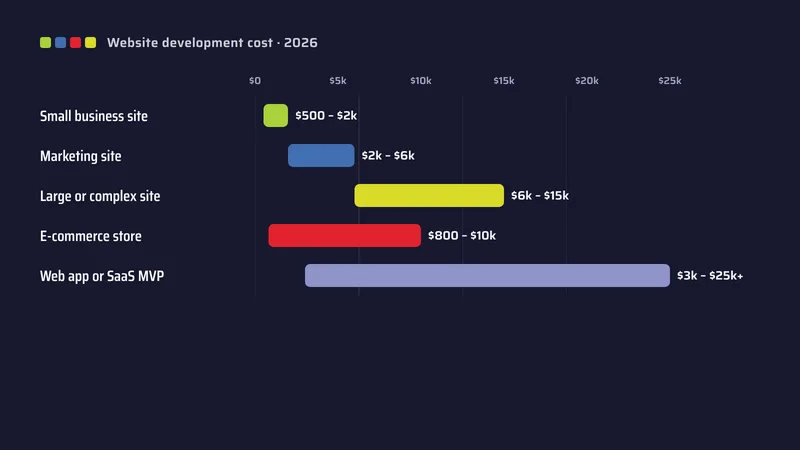
We clean hacked WordPress sites from $149, find and report the root cause, sweep every site on the account and re-clean free if the same infection returns within 30 days. See our WordPress malware removal service or send the address of the site for a free check. If you are weighing a rebuild instead, our guide to website development cost covers what a static, plugin-free site costs.
Sources and further reading
- Sucuri, 2023 Hacked Website & Malware Threat Report
- Sucuri, SC WordPress malware: a self-healing mesh of loaders, drop-ins and a blockchain-controlled backdoor (September 2026)
- Monarx, Recovering from the self-healing WordPress infection
- Google Search Central, Help for hacked sites
- WordPress.org, Hardening WordPress
Frequently asked questions
Why does WordPress malware keep coming back after I delete it?
Because something you did not remove reinstalls it. The usual causes are a must-use plugin, a copy of the payload stored in the database, a hidden admin account, a scheduled task, a .user.ini or .htaccess loader, an infected plugin, or another infected site on the same hosting account.
My host cleaned my site with Imunify360. Why is it hacked again?
Host scanners remove known malicious files well, but they rarely clean the database, remove rogue administrators or cron jobs, or fix the vulnerability the attacker used. Any of those can bring the infection back.
Is reinstalling WordPress core enough to remove malware?
No. Reinstalling core replaces wp-admin and wp-includes, but malware usually lives in wp-content, the database, the uploads folder and server configuration files, which a core reinstall does not touch.
Should I change my passwords first?
Change them after the loaders and backdoors are gone. Some current WordPress malware records every admin login, so a password changed on an infected site can be stolen straight away.
Do I need to clean every site on my hosting account?
Yes, if they share one account. Malware on shared hosting often copies itself into every WordPress install it can reach, so one dirty site will reinfect the clean ones.
How do I know the cleanup worked?
Watch the site for at least two weeks: no new admin users, no unexpected file changes, no new spam URLs in Search Console and no warnings from your host. File-change monitoring makes this easy.